Scan. Brew. Remember.
A coffee journal for better brews.
Scan a bag, carry over your last setup, and log the next cup before the kettle cools.
- Free to use
- No account
- Offline logging
-
01
Capture the bag once
Photo or paste, save roaster details, then stop re-entering the basics.
-
02
Carry over your last setup
Grinder, brewer, and recent settings stay ready for the next cup.
-
03
Remember what changed
Ratings, notes, and history make the next adjustment easier to trust.
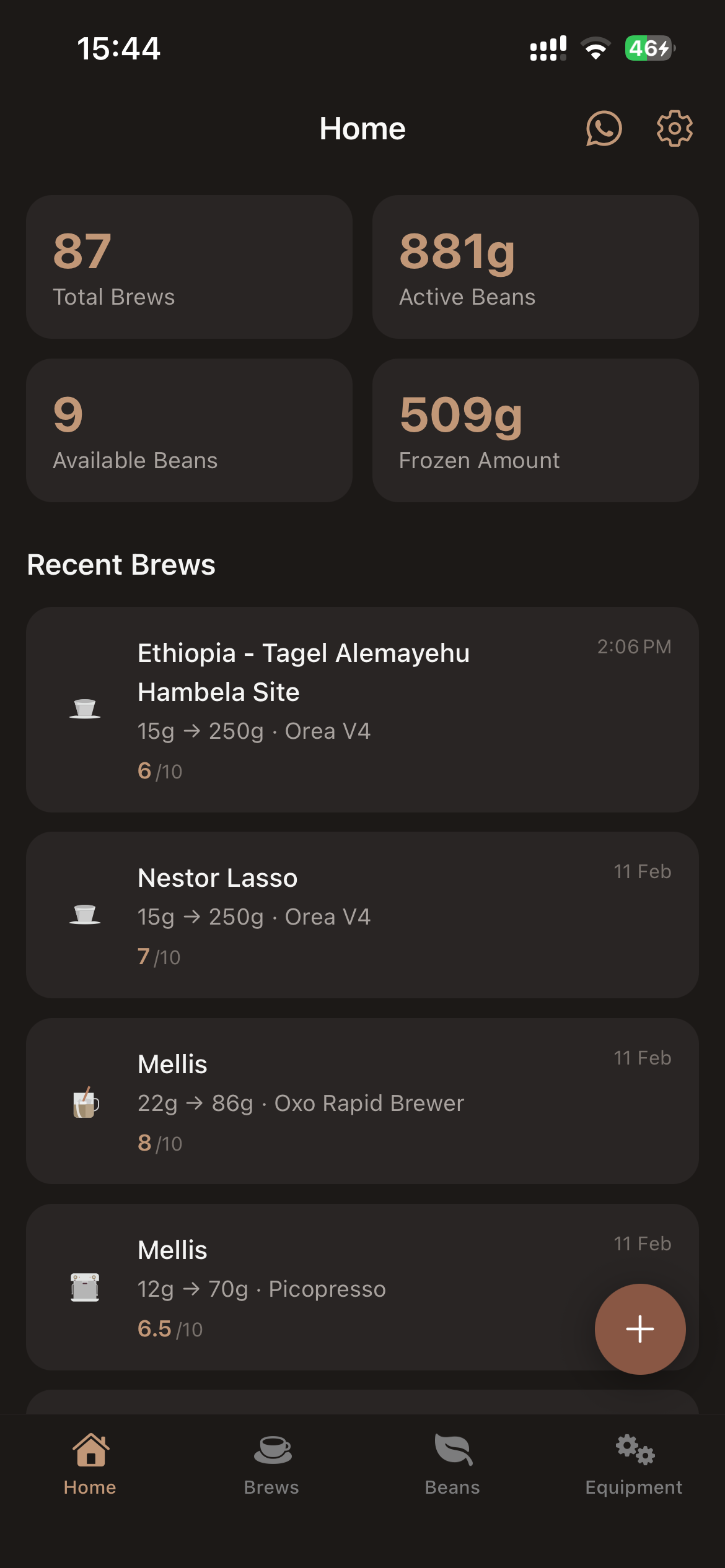
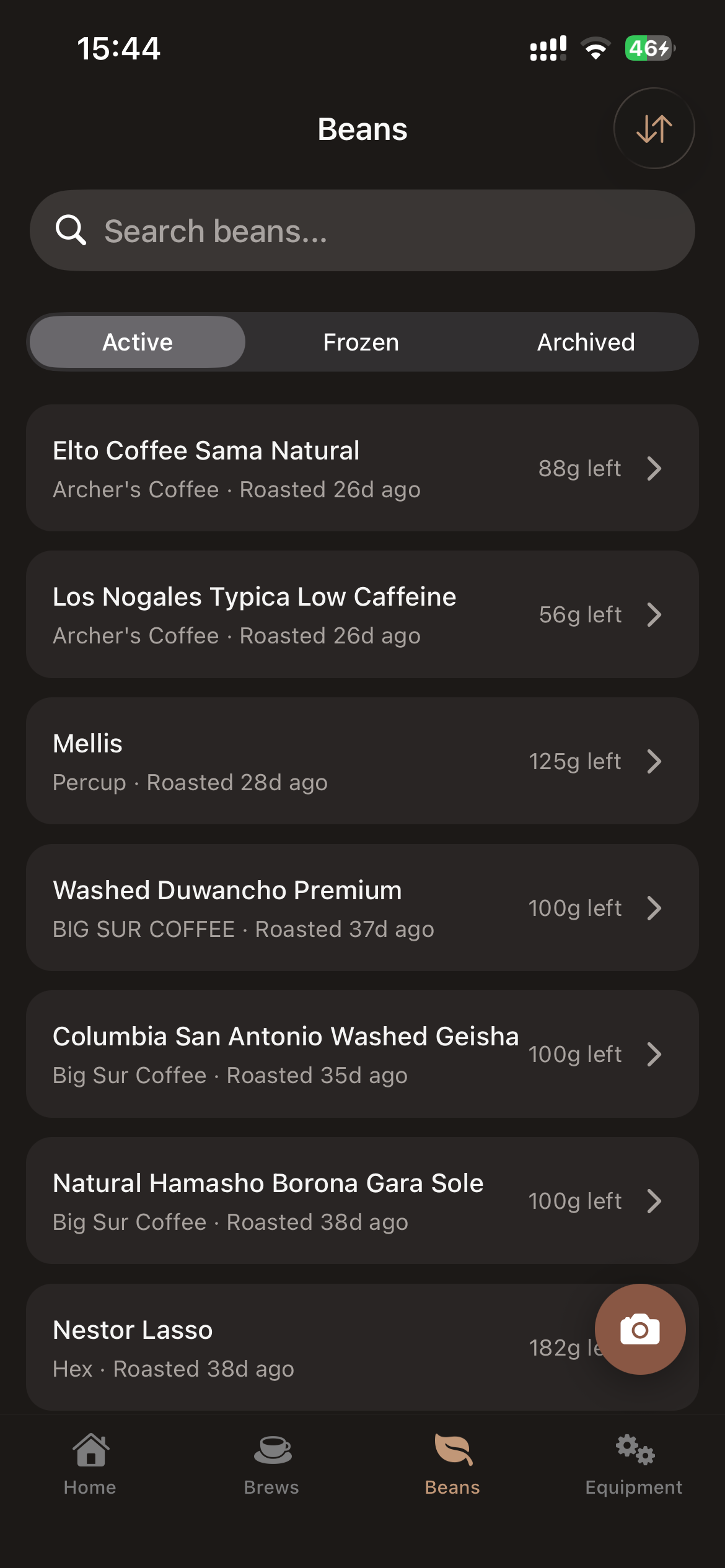
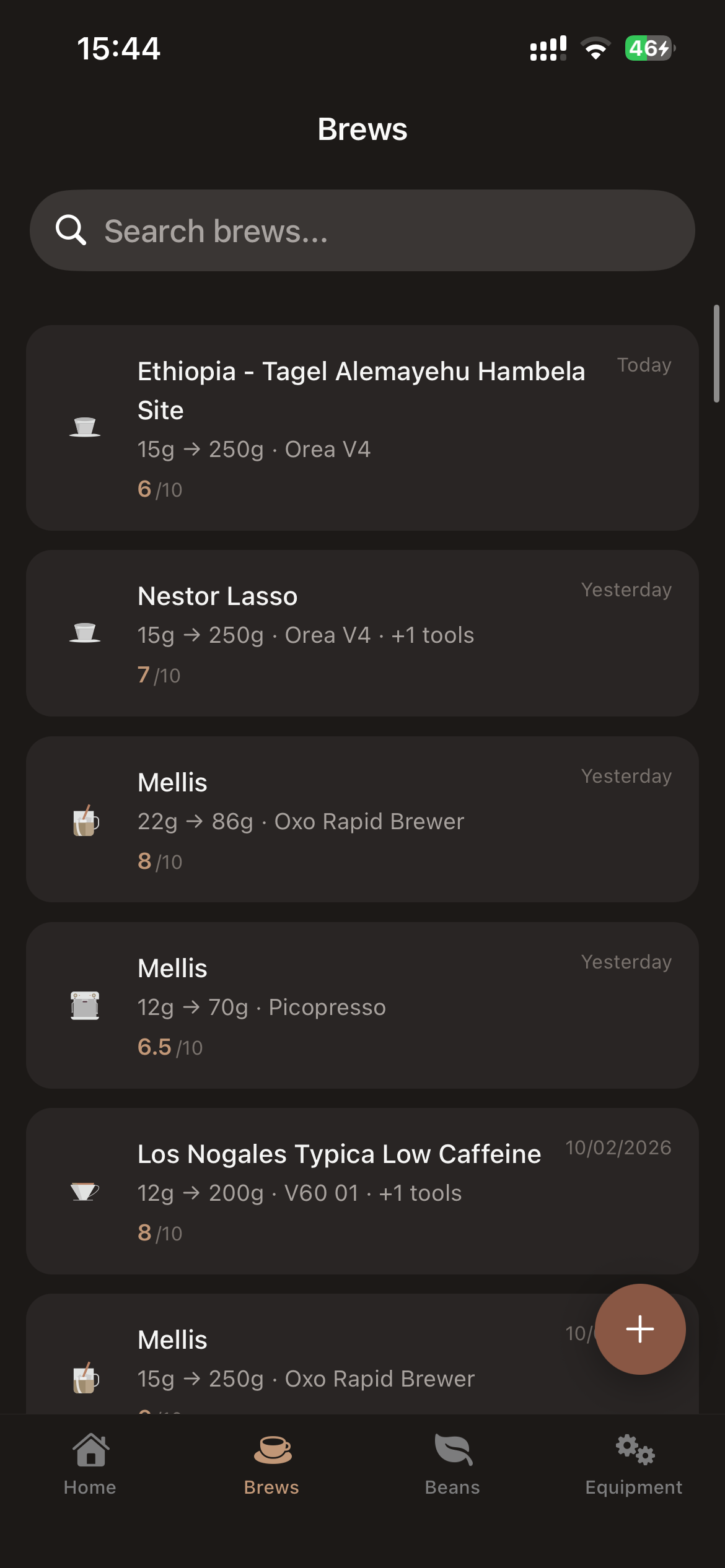
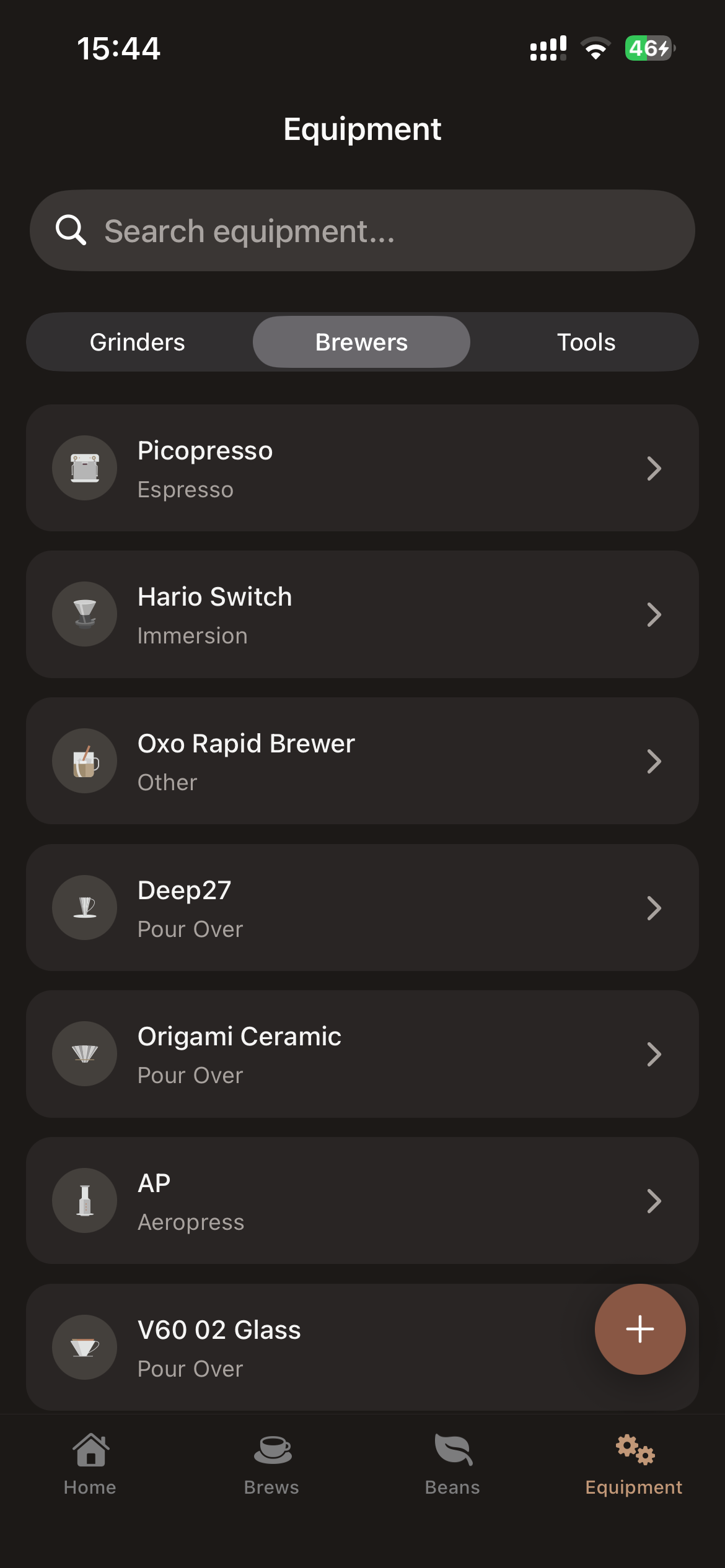
Carry your setup forward
Start from your last brew, not a blank form.
Recent brews, active beans, and last-used gear stay close so the next cup is quicker to log.
Get Brewfolio
Free to use. No account needed.
Your brew log stays on your phone. Use the beta on iPhone or Android, import BeanConqueror history, and export whenever you want.
- Offline logging stays available even when the scanner does not.
- Import BeanConqueror exports for beans, brewers, grinders, and brews.
- Export XLSX or JSON when you need a backup or spreadsheet.
Public TestFlight
iPhone
Open the public TestFlight beta and start logging on iPhone today.
Join iOS beta ↗Google Play
Android
Install Brewfolio from Google Play and start logging right away.
Get it on Google Play ↗FAQ
The friction points, answered up front.
Is Brewfolio free? +
Yes. Brewfolio is free to use while the beta is active.
Is Brewfolio on the App Store or Play Store? +
Android is on Google Play. iPhone still uses TestFlight while the iOS beta is active.
How does the coffee bag scanner work? +
Take a photo of your coffee bag or paste a roaster product URL. Brewfolio reads the label and fills the roaster, origin, process, and tasting notes for you, then you confirm and save.
Do I need an internet connection? +
Logging brews and beans works offline and your data stays on your phone. The bag scanner and AI suggestions need a connection.
Can I switch from BeanConqueror? +
Yes. Brewfolio imports BeanConqueror exports for beans, brewers, grinders, and brews so you keep your history.
Can I export or back up my data? +
Yes. Export your brew log as XLSX or JSON whenever you want a backup, spreadsheet, or device move.